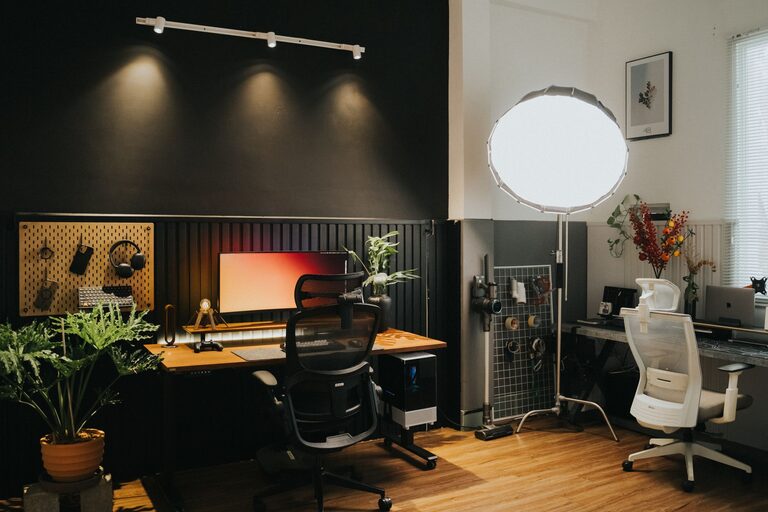

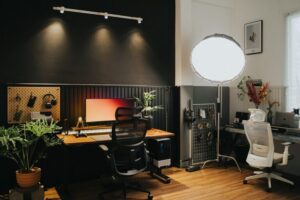
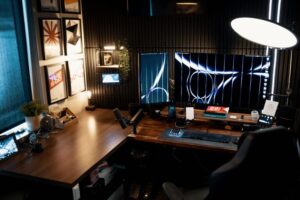
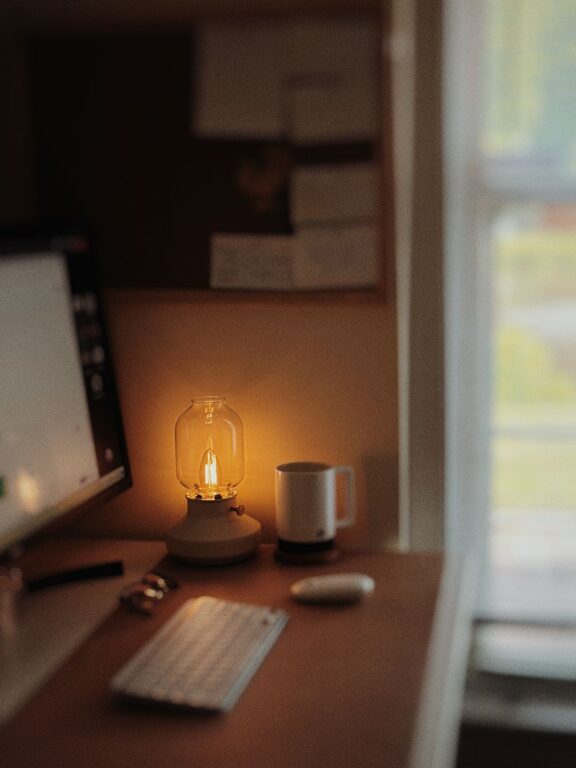
Creating a home workspace that balances relaxation and productivity is key to making remote work both efficient and enjoyable. A well-designed area can help you stay focused, reduce stress, and maintain comfort throughout your workday. Whether you have a dedicated room or a small corner, these tips will guide you in setting up a workspace that supports your needs.
Why a Relaxing Workspace Matters
Your environment influences how you feel and perform. A cluttered or uncomfortable workspace can lead to distractions and fatigue. On the other hand, a calm and organized area encourages concentration and creativity. By incorporating elements of relaxation into your setup, you set the stage for a better workday.
Choose the Right Location
Consider Natural Light
Aim to place your workspace near a window. Natural light improves mood and reduces eye strain. If natural light is limited, consider full-spectrum bulbs that mimic daylight.
Minimize Noise
Select a quiet area where you’re less likely to be interrupted. If noise is unavoidable, noise-canceling headphones or a white noise machine can help maintain focus.
Invest in Ergonomic Furniture
Comfortable Chair
Choose a chair that supports your back and promotes good posture. Adjustable features like height and lumbar support are ideal.
Suitable Desk
A desk at the right height allows for relaxed shoulders and arms. Standing desks or adjustable desks can also provide variety throughout the day.
Organize Your Space
Declutter Regularly
Keep only what you need on your desk. A tidy area reduces distractions and creates a sense of calm.
Storage Solutions
Use shelves, drawers, or organizers to store supplies neatly. Labeling helps you find items quickly, saving time and frustration.
Personalize for Comfort and Inspiration
Add Plants
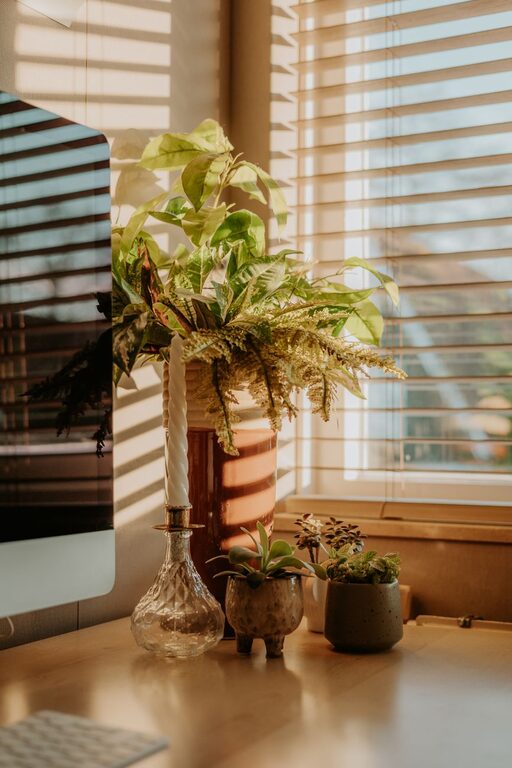
Indoor plants improve air quality and provide a soothing green presence.
Choose Calming Colors
Soft, neutral colors tend to create a relaxing atmosphere. Avoid overly bright or distracting shades.
Incorporate Personal Touches
Photos, art, or meaningful objects can make your workspace inviting without causing clutter.
Manage Technology Wisely
Cable Management
Keep cords organized to avoid a messy look and accidental disconnections.
Quality Equipment
Invest in a good keyboard, mouse, and monitor to reduce strain and improve efficiency.
Create Healthy Work Habits
Take Breaks
Set reminders to stand, stretch, or take short walks. Moving regularly helps reduce fatigue and improve focus.
Set Boundaries
Define work hours to separate professional time from personal time, helping to maintain balance and reduce stress.
Enhance Ambiance
Use Soft Lighting
Avoid harsh overhead lighting; desk lamps with adjustable brightness create a cozy atmosphere.
Play Background Sound
Low-volume instrumental music or ambient sounds can help maintain concentration.
—
By following these tips, you can turn your home workspace into a relaxing and productive environment. Remember, small changes can have a big impact on how you feel and perform throughout your workday. Take the time to customize your space in a way that works best for you, and enjoy the benefits of a balanced home office.