

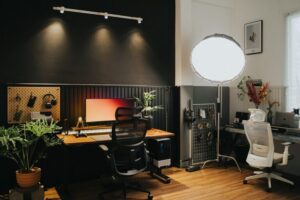


Creating a home office that feels both cozy and productive can make a significant difference in your work-from-home experience. Whether you’re setting up a new space or refreshing an existing one, the right environment helps boost focus, reduce stress, and maintain motivation. Here are practical tips to help you design a home office that supports your work goals while feeling inviting and comfortable.
1. Choose the Right Location
Finding the best spot in your home for your office is the first step. Ideally, select a quiet area with natural light and minimal distractions.
– Consider natural light: Sitting near a window can improve mood and energy.
– Limit noise distractions: Choose a room or corner away from busy areas.
– Separate work from living: If possible, avoid working in spaces used for relaxing like your bedroom or living room.
2. Invest in Comfortable and Supportive Furniture
Your furniture plays a huge role in both comfort and productivity.
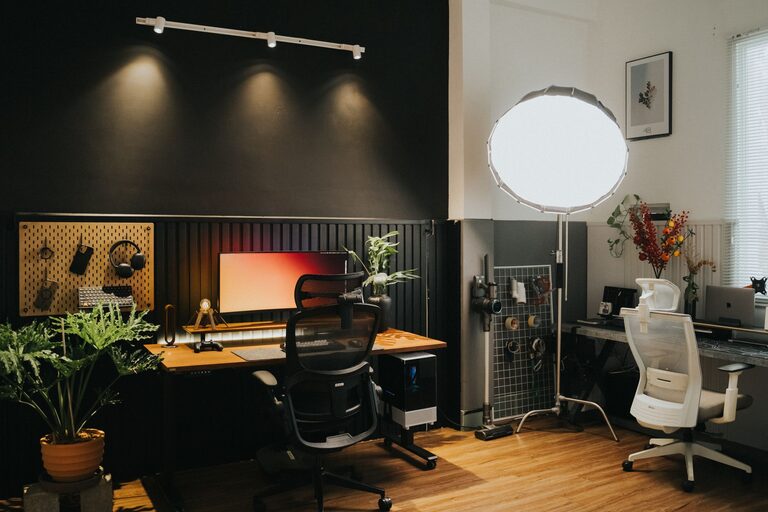
– Ergonomic chair: Choose a chair that supports your back and encourages good posture.
– Sturdy desk: Pick a desk with enough surface area for your computer, paperwork, and any tools you need.
– Adjustability: If possible, consider a sit-stand desk for flexibility throughout your day.
3. Optimize Lighting
Proper lighting reduces eye strain and keeps you alert.
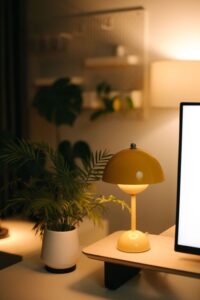
– Use layered lighting: Combine ambient light with task lighting like a desk lamp.
– Adjust brightness: Consider adjustable lamps so you can control the light level.
– Avoid glare: Position your monitor to prevent bright reflections from windows or lamps.
4. Keep Your Space Organized
Clutter can distract and lower your efficiency.
– Storage solutions: Use shelves, filing cabinets, or organizers to keep supplies tidy.
– Declutter regularly: Set aside time each week to clean up your desk.
– Minimalist setup: Only keep essentials within arm’s reach to maintain a clean workspace.
5. Personalize Your Workspace
Adding personal touches makes your office cozy and inviting.
– Incorporate plants: Greenery can boost mood and air quality.
– Choose calming colors: Soft blues, greens, or neutrals promote relaxation.
– Add artwork or photos: Inspirational images make the space uniquely yours.
6. Manage Technology Wisely
Technology is critical but can also be a source of distraction.
– Cable management: Use clips or sleeves to keep cords tidy.
– Quality equipment: Invest in a reliable computer, monitor, and accessories.
– Limit notifications: Turn off non-essential alerts while working to stay focused.
7. Create a Routine and Boundaries
Your space can support good work habits.
– Set working hours: Use your office only during these times to maintain balance.
– Take breaks: Step away to stretch or refresh your mind.
– Signal availability: If you share space with family or roommates, communicate your schedule.
8. Add Comfort Elements
Small touches can make working from home more pleasant.
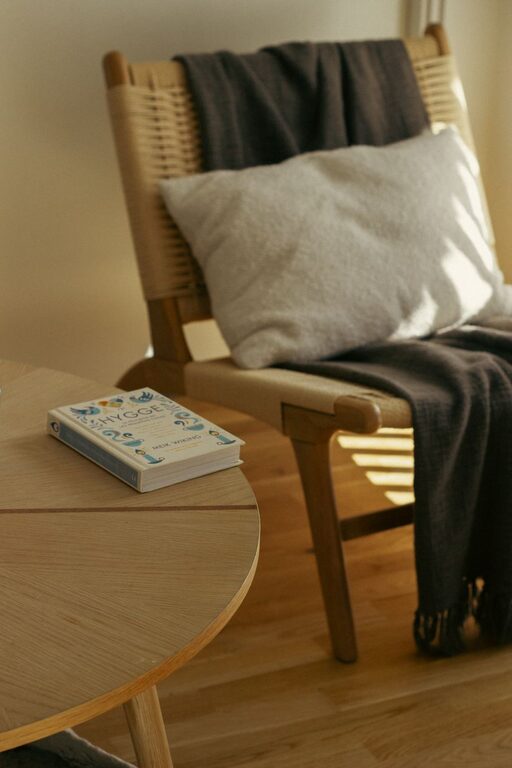
– Cozy textiles: Include a soft throw or cushion on your chair.
– Temperature control: Use fans, heaters, or windows to maintain a comfortable climate.
– Hydration and snacks: Keep water and light snacks nearby to stay energized.
9. Make It Flexible
Your needs may change, so design a space that can adapt.
– Multi-use areas: A desk that can be cleared quickly or a portable workspace allows flexibility.
– Storage for hobbies: If you also use the space for crafts or learning, plan for storing those items.
– Technology upgrades: Leave space for future devices or accessories.
—
By thoughtfully designing your home office, you can create an environment that feels comfortable and keeps you motivated. This balance helps improve your focus, efficiency, and overall well-being while working at home. Take your time to experiment and adjust the setup to fit your personal style and needs — a cozy productive workspace is one that works for you.
Remember, a great home office isn’t just about looks; it’s about supporting you in doing your best work every day!